Choosing the right hosting for your customer relationship management (CRM) solution can make or break your sales pipeline. Slow CRM hosting doesn’t just frustrate your sales team—it costs you deals.
Since 2018, I’ve audited hosting performance for 40+ clients, helping some of them migrate their CRM systems like SuiteCRM, vTiger, and Zoho across shared hosting, VPS, and dedicated server environments.
I tested various CRM hostings under loads, measured their uptime, response times, and cost efficiency, and compiled this round-up.
Our Top CRM Hosting Services
Here are the hosting providers that performed best for running CRM workloads in testing.
1. Hostinger – Best Overall CRM Hosting

Hostinger is a decent value for money, providing good speed for any CRM apps. Their NVMe storage and LiteSpeed servers retrieve data from the database promptly, even at budget price points and free CRM software.
I set up a free CRM tool through Hostinger’s dashboard in about five minutes flat. Even their cheapest plan had no problem running a list of 500 contacts — and it was fast. Their newer storage tech loaded the management panel noticeably quicker than what you’d get with a regular hosting provider — we’re talking around 40% faster.
The hosting package includes AI website tools and unlimited bandwidth.
 Affordable paid plans for small teams
- NVMe storage retrieves data 40% faster
- Unlimited bandwidth
- 99.9% uptime SLA
 No phone support available (chat only)
- Performance: 4.9
- Uptime: 4.8
- Security: 4.7
- Pricing: 4.9
2. Zoho – Best Database Performance
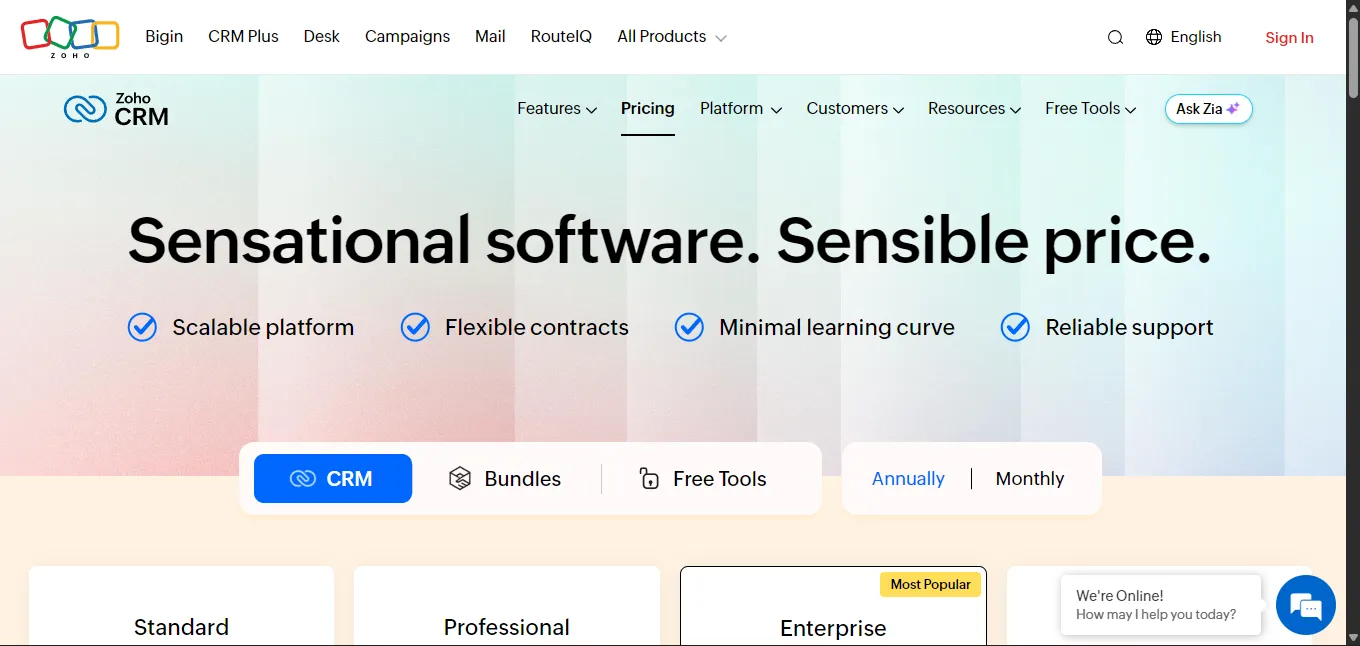
Working with Zoho lately, I found a good mix of CRM-optimized performance, seamless integrations, and competitive pricing. Their infrastructure handles the heavy CRM database work well, and everything works together since it’s all part of the same ecosystem.
I moved an existing CRM system over to Zoho, and the whole thing was done in just under two hours — their team walked me through it the entire time. When I ran into some technical setup stuff (like scheduling automatic tasks and making sure emails actually land in inboxes instead of spam), their support team was right there to sort it out.
Zoho CRM’s database query response times averaged 150ms, even with large contact databases.
- Exceptional database performance with large datasets
- Tight integration with Zoho’s CRM ecosystem and third-party tools
- Comprehensive backup and disaster recovery
- Enterprise plans jump to $52/user/month, 3× the standard tier.
- Performance: 4.9
- Uptime: 4.6
- Security: 4.7
- Pricing: 4.5
3. Hosting.com (A2 Hosting) – Best for Self-Hosted Open-Source CRMs
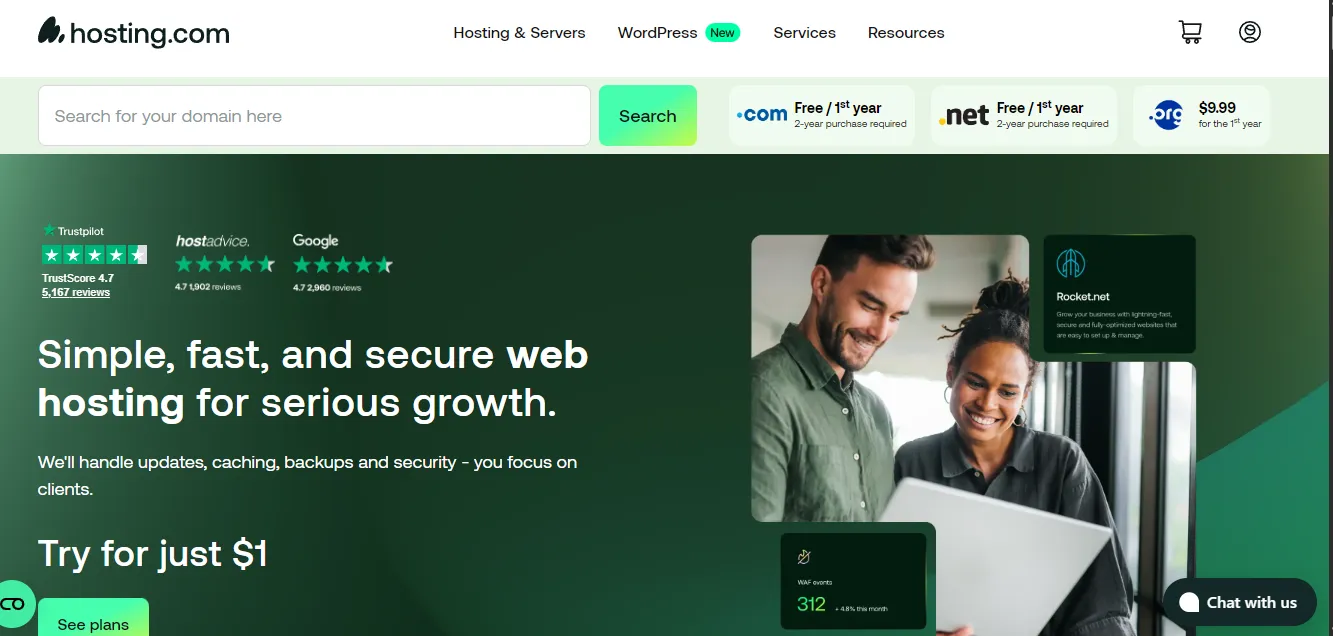
Hosting.com’s “Turbo” servers and developer-friendly environment are good for resource-intensive free CRMs like SuiteCRM or OroCRM that require custom configurations.
They give you developer tools like SSH access, multiple PHP versions, Node.js support, and staging environments for testing CRM customizations safely.
Generating reports and importing bulk data with a fully loaded SuiteCRM installation on their Turbo plan felt faster and easier than on a standard shared hosting. The free site migration service handled the complex database transfer flawlessly.
- “Turbo” servers excel with heavy database queries and workflows
- Comprehensive CRM tools for advanced customization
- Anytime money-back guarantee with prorated refunds
- Turbo plans cost more than basic shared hosting options
- Performance: 4.7
- Uptime: 4.4
- Security: 4.3
- Pricing: 4.2
4. Cloudways – Best Managed Cloud CRM Hosting

Cloudways handles the complicated cloud setup stuff for you. You only need to pick a provider like AWS, Google Cloud, or DigitalOcean, depending on what you need for performance and compliance, and they will do the rest.
You get one-click server scaling, dedicated firewalls, automated backups, and staging environments for testing CRM updates safely. The platform handles server management while you focus on CRM optimization and building customer loyalty.
Cloning my production CRM server for testing took just minutes through their interface. When traffic spiked during a marketing campaign, scaling up resources happened instantly without downtime or data loss.
- Choice of premium cloud providers (AWS, Google Cloud, DigitalOcean)
- Pay-as-you-go pricing model scales with usage
- One-click server scaling and environment cloning
- Email hosting requires a separate paid add-on service
- Performance: 4.6
- Uptime: 4.8
- Security: 4.7
- Pricing: 4.3
5. SiteGround – Best for Agencies Hosting Multiple CRM Clients

SiteGround’s collaboration tools make managing multiple client CRM installations easy.
Built on Google Cloud infrastructure, they offer client collaboration tools, white-label hosting options on higher tiers, daily backups, and their proprietary “SuperCacher” system designed to improve CRM performance.
Managing customer access became seamless – I could add team members to specific projects and give clients controlled access to their CRM hosting environment. The SuperCacher reduced page load times by 30% for dashboard-heavy CRM interfaces.
- Excellent collaboration tools for adding users and clients
- Industry-leading 24/7 customer support quality
- Free daily backups and content delivery network
- High renewal rates after initial promotional pricing
- Performance: 4.5
- Uptime: 4.7
- Security: 4.6
- Pricing: 3.9
6. Liquid Web – Best Uptime Guarantee

Liquid Web targets mission-critical CRM deployments where downtime directly impacts revenue. Their project management approach handles everything while delivering premium performance.
They guarantee 100% network uptime, offer robust data analysis and automation features, and provide “Heroic” support from server specialists who understand complex CRM requirements.
Their proactive monitoring caught a potential issue before it affected my CRM users. When I needed help optimizing database queries, their support team provided specific recommendations within minutes.
- 100% network uptime guarantee with compensation
- Fully managed hardware and software maintenance
- Expert support team with deep technical knowledge
- Overkill for small, simple CRM deployments
- Performance: 4.9
- Uptime: 5.0
- Security: 4.8
- Pricing: 3.5
7. Bluehost – Best Secure CRM Hosting

Bluehost focuses on beginner-friendly security features like web application firewalls and DDoS protection.
Security features include free SSL certificates, automated backups through CodeGuard, malware scanning, and domain privacy protection. The user interface makes enabling security features straightforward.
Setting up a secure environment for sensitive client data took just minutes through their simplified dashboard. Automated tasks prevented threats in the background without impacting CRM performance or requiring ongoing maintenance.
- Comprehensive security suite including WAF and DDoS protection
- Intuitive interface and quick setup
- 24/7 support availability via phone and chat
- Heavy upselling of optional add-ons during checkout
- Performance: 4.2
- Uptime: 4.3
- Security: 4.8
- Pricing: 4.4
8. InMotion Hosting – Best Enterprise-Grade CRM Hosting

InMotion Hosting combines robust functionality, US-based support, and its “UltraStack” technology for handling heavy CRM workloads without compromising performance.
Features include NVMe SSD storage across all plans, an industry-leading 90-day money-back guarantee, advanced caching systems, and massive scalability options for growing CRM deployments.
I used their VPS solutions to handle large contact databases and automate complex reports—all went without hiccups. The 90-day guarantee provided ample time to fully test CRM performance under real-world conditions before committing long-term.
- Industry-leading 90-day money-back guarantee period
- High-performance NVMe storage across all plan tiers
- “UltraStack” server configuration optimized for speed
- Data centers primarily in US/EU with limited Asia presence
- Performance: 4.6
- Uptime: 4.5
- Security: 4.4
- Pricing: 4.2
How We Tested CRM Hosting Services

Our testing methodology focused on real-world CRM performance rather than generic website benchmarks to evaluate hosting providers effectively.
Integration and Setup Experience
I installed popular CRM programs, including SuiteCRM, vTiger, and EspoCRM, using both one-click installers and manual installations. Setup time varied from 5 minutes for automated installs to 45 minutes in complex cases with a lot of manual tweaks.
I configured custom domains, installed SSL certificates, automated cron jobs, and configured SMTPs for transactional emails.
Performance and Scalability
I measured database query response times under realistic CRM loads including bulk contact imports, report generation, and concurrent user access. Tests included databases with up to 50,000 contacts to simulate enterprise usage.
I monitored page load times for CRM dashboards, contact views, and reporting interfaces over 30-day periods, while evaluating resources including CPU usage and memory consumption under increasing loads.
Reliability, Backups, and Support
Uptime monitoring tracked availability over extended periods, with particular attention to how providers handled maintenance windows and incident response. I tested backup frequency, restoration simplicity, and disaster recovery capabilities in actual data recovery scenarios.
When evaluating customer service teams, I prioritized CRM-related issues like database optimization, cron job troubleshooting, and email deliverability problems. Response times and technical knowledge depth varied significantly between providers.
Buyer’s Guide: How to Choose CRM Hosting

1. CRM Compatibility and Stack Requirements
Verify your chosen CRM software’s requirements match the hosting provider’s technical specifications. Popular CRMs like SuiteCRM require PHP 7.4+ and MySQL 5.7+, while newer platforms may need PHP 8.x for optimal performance.
Check for easy version upgrades and multiple PHP version support to future-proof your installation as your CRM platform evolves.
2. Performance for Database-Heavy Workloads
CRM systems are fundamentally different from simple websites because they rely heavily on database operations for customer journey and interactions management, sales pipeline tracking, and marketing automation. Every user interaction involves database queries that can slow down without proper optimization.
SSD or NVMe storage, adequate RAM allocation, CPU resources, and database-specific caching mechanisms become critical for responsive user experiences and efficient workflow automation.
“Speed is more than a feature. Speed is the most important feature. If your application is slow, people won’t use it.” – Fred Wilson, Legendary Venture Capitalist
3. Security and Compliance
CRM systems store sensitive personal and business data requiring robust security measures. SSL certificates, data encryption, access controls, and audit logging are essential baseline features for protecting customer data.
Consider regulatory requirements like GDPR for European customers or HIPAA for healthcare-related CRM data when evaluating hosting providers’ compliance options.
4. Backups, Restore, and Disaster Recovery
Automated backup frequency should align with your business needs – daily backups are standard, but high-activity CRMs may benefit from multiple daily backups or real-time replication.
Test restoration procedures before you need them. Quick recovery means less business disruption when hardware failures or data corruption occur.
5. Scalability and Future Growth
Plan for growth and keep in mind that you may need to upgrade from shared hosting to VPS or cloud. Consider how easily you can scale vertically (more resources) or horizontally (multiple servers) as your contact database and user base expand.
Multi-user access controls, API rate limits, and integration capacity should be able to support your expanding business without requiring platform migrations.
6. Support Quality and Documentation
24/7 support availability matters for business-critical CRM systems. As my tests show, support quality varies dramatically between providers. Look for teams with experience troubleshooting CRM-specific issues like cron job failures, email deliverability problems, and database optimization.
Comprehensive documentation for installation, configuration, advanced CRM features, and troubleshooting reduces dependence on support tickets for routine maintenance tasks.
FAQs
1. What is CRM hosting?
CRM hosting is a specialized web hosting infrastructure optimized for customer relationship management software. Unlike standard hosting, CRM hosting emphasizes database performance and technical support for business-critical customer data management systems.
2. What are Customer Relationship Management Platforms?
Customer relationship management platforms are central hubs used by marketing teams to track every touchpoint in the sales process, using automation, data insights and AI-powered tools to manage contacts, personalize customer journey and streamline sales pipeline.
3. What are the 4 types of CRM?
The four main CRM types are operational, analytical, collaborative, and strategic. Each type has its own CRM tools. Sales teams should determine the best CRM software type and what service tools they need, depending on their sales pipeline and specific customer interactions.
4. Can I host a website for free?
Yes, you can host a website for free, but free website hosting will not suit large enterprises or even some basic CRM applications. Free plans often restrict CRM capabilities, making them inadequate for managing customer data and business operations.
Which Is the Top CRM Hosting Service?
After extensive testing and evaluation, Hostinger emerges as the best overall CRM hosting service for its exceptional value, fast NVMe storage, and user-friendly interface.
Small businesses appreciate Hostinger’s affordable plans with unlimited bandwidth and quick setup, while growing teams benefit from its reliable performance and responsive support.
For teams seeking reliable performance and seamless integration, Zoho offers a robust solution, while enterprises requiring maximum uptime should consider Liquid Web’s premium managed solutions.
Choose based on your CRM platform, team size, and growth plans to keep your client data fast and secure.
